How Do I Search With An Image On Google

Searching with an image on Google is a fun and practical way to explore the internet. This feature, known as Google Lens or reverse image search, allows users to upload an ima...
Searching with an image on Google is a fun and practical way to explore the internet. This feature, known as Google Lens or reverse image search, allows users to upload an image or enter the URL of an image to find similar images, information about the image, or the source of the image. The main purpose of this feature is to help users find what they are looking for without having to type a single word. Many people appreciate this feature as it brings numerous benefits, such as finding products they like, identifying plants or animals, or even tracking down the source of an image.
For instance, imagine seeing a beautiful dress on a social media platform and wanting to buy it. With Google Lens, you can upload the image and find the product online. Alternatively, if you see a strange plant in your garden and want to know its name, you can take a picture and search for it on Google.
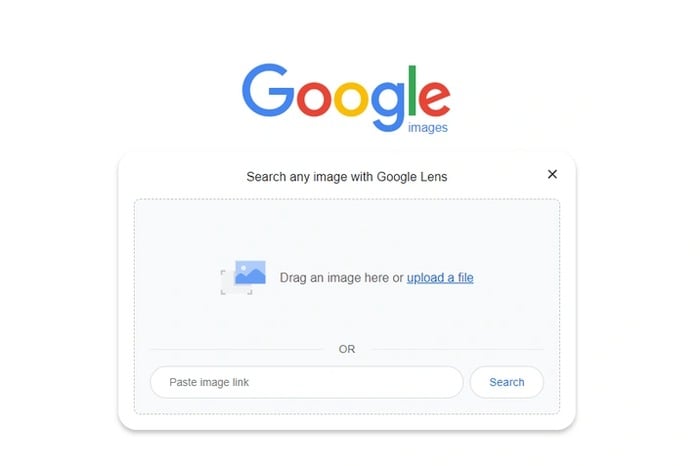
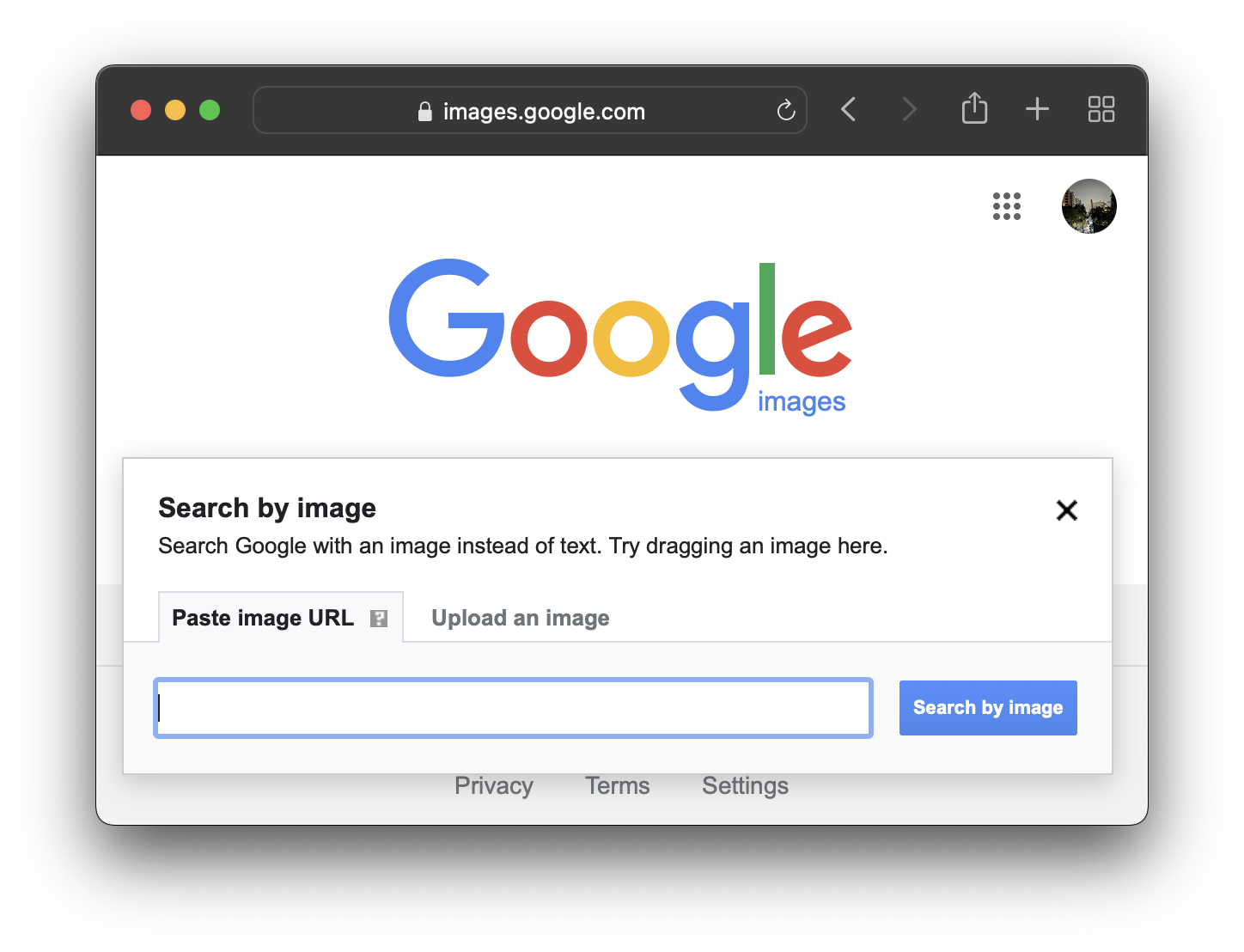
To get started, users can simply go to the Google homepage and click on the images tab. Then, they can click on the camera icon in the search bar and upload the image or enter the URL of the image. Google will then show similar images, information about the image, or the source of the image.
Must Read
Another way to search with an image is by using the Google Lens app on your smartphone. This app allows users to take a picture or upload an image from their gallery and search for it on Google.
Overall, searching with an image on Google is a simple and effective way to explore the internet. By following these easy steps, users can make the most of this feature and discover new things.